 ScanOrbit
 Coming soon on Google Play
ScanOrbit: PDF scanner and tools
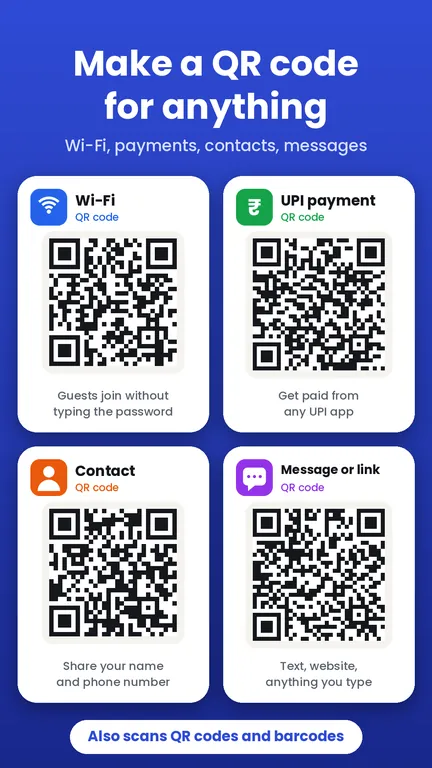
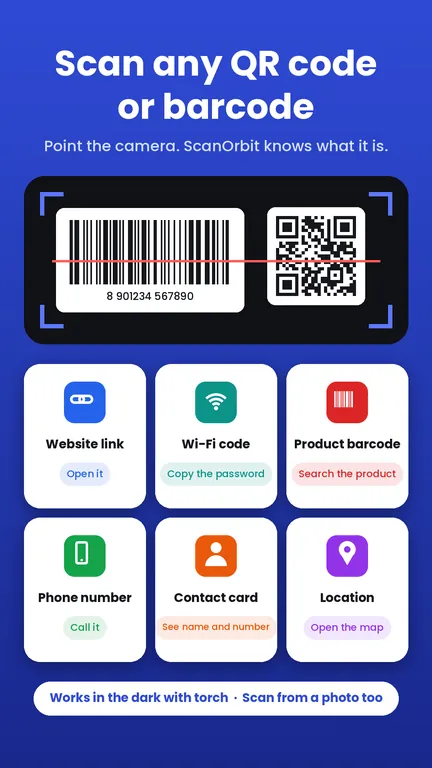
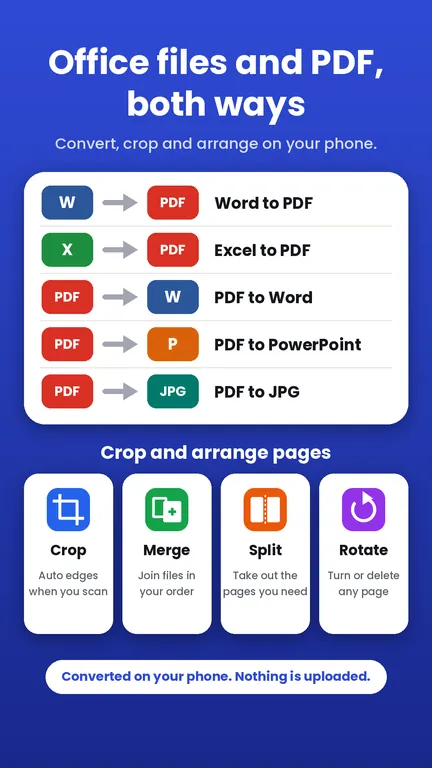
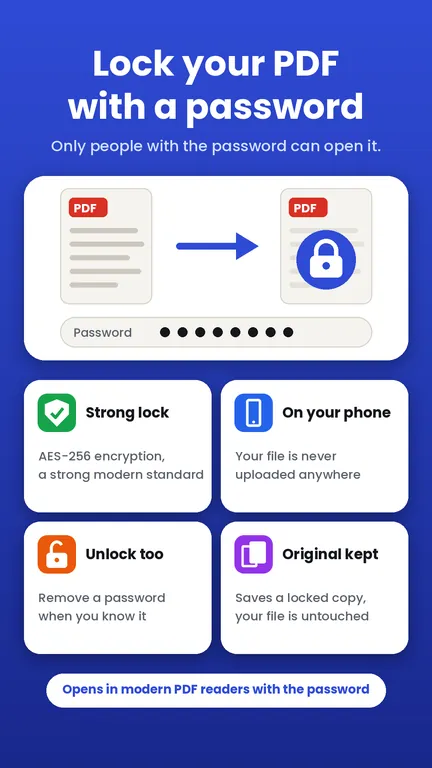
Scan paper to PDF, edit and convert files, sign and lock, fit photos to any form, and make or scan QR codes. Your documents stay on your phone, with no account.

See the app
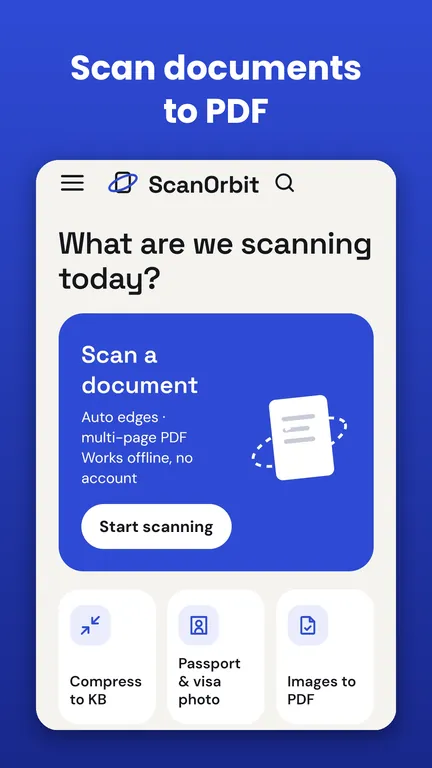
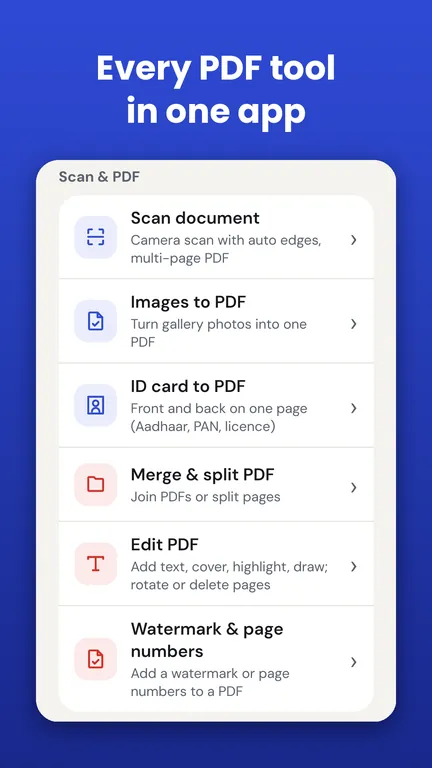
Everything in ScanOrbit
Tools marked Free on web work right here in your browser. The rest are in the app.
Scan & PDF
Compress
Convert
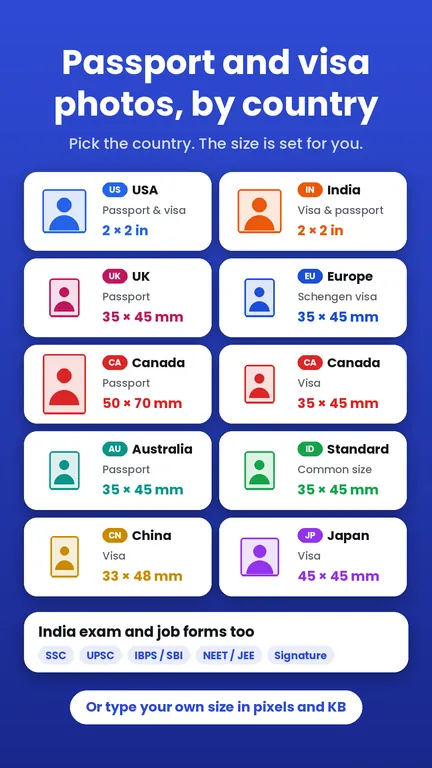
Photos for forms
Text
QR & barcode
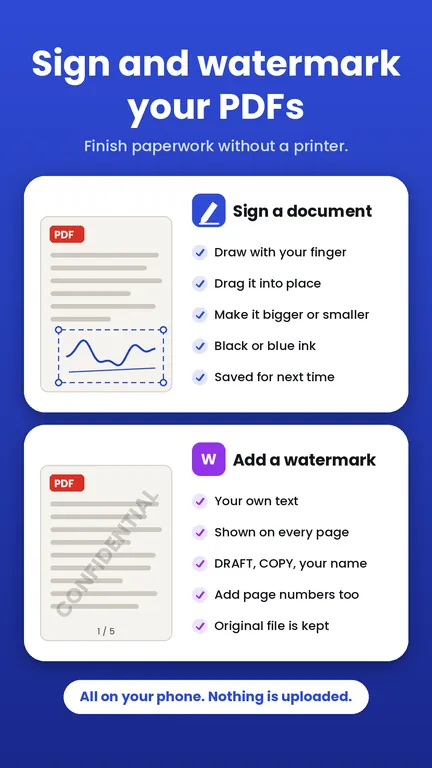
Sign & protect
Questions
Is ScanOrbit free?
ScanOrbit is free to use with ads. A few special tools open after one short ad, and no full-screen ads interrupt your work.
When is it on Google Play?
It is coming soon to Google Play for Android. Email us and we will tell you the day it goes live.
Does it work without internet?
Yes. Your documents stay on your phone, and the app works without internet and without an account.
Which languages does it support?
English, Hindi, Spanish, Portuguese, French, Indonesian, German, Italian, Turkish and Vietnamese, with light and dark mode.
Can I use some of it on a computer?
Yes. The free tools on this site run in your browser: compress to KB, images to PDF, merge and split PDF, passport and exam form photos, and QR codes. Camera and Office-file tools need the app.